Brand kit.
Logos, the app icon, video and stills for writing about Radial. Everything here is free to use in coverage.
About Radial.
| Name | Radial |
|---|---|
| Made by | Rienk, in Amsterdam |
| Runs on | macOS 26 or later. Made for touchscreen MacBooks; any Mac with a held key. |
| Price | €9, once. Free for 3 days to try. |
| Website | heyradial.com |
| Download | heyradial.com/download |
| Contact | hi@heyradial.com |
In one line
Radial puts your everyday Mac controls in a dial in the corner of your screen.
In a paragraph
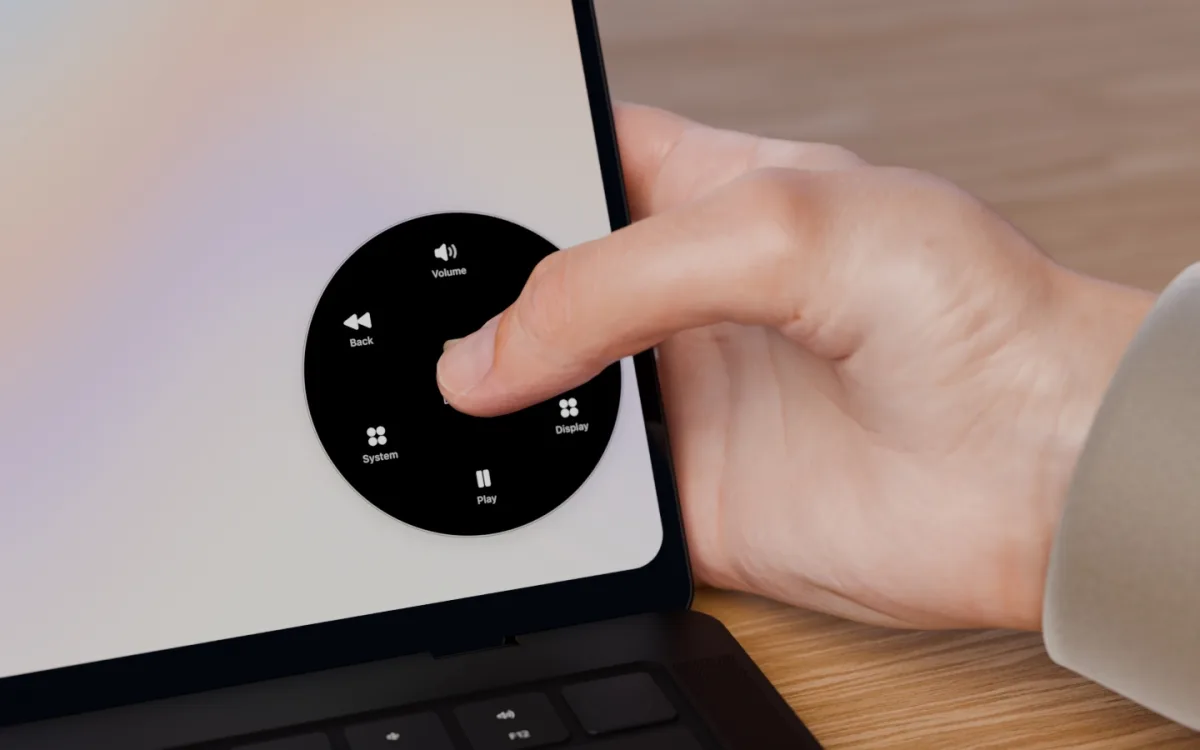
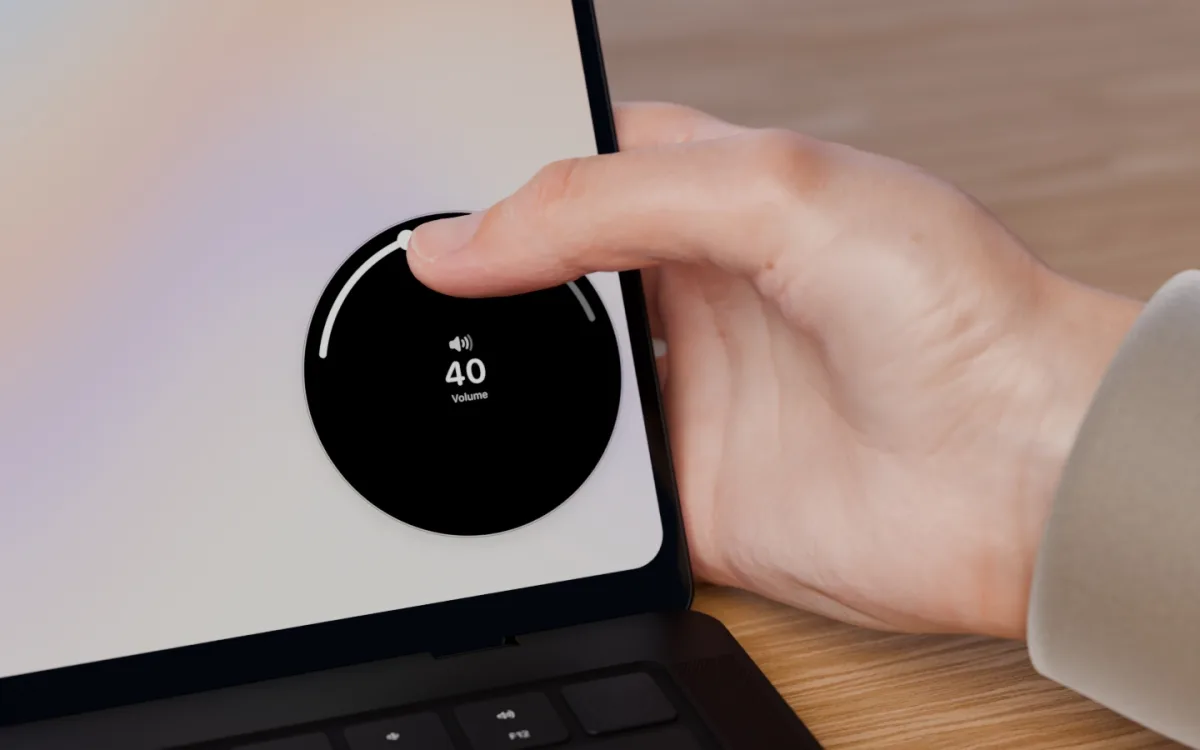
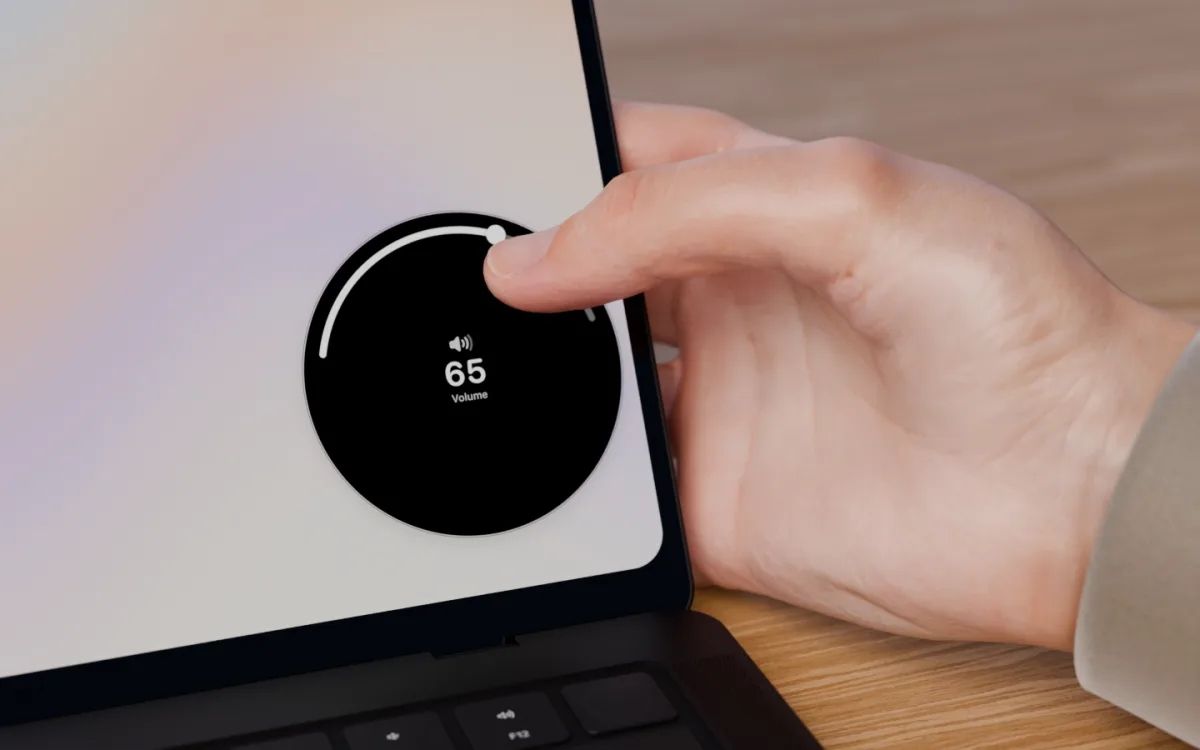
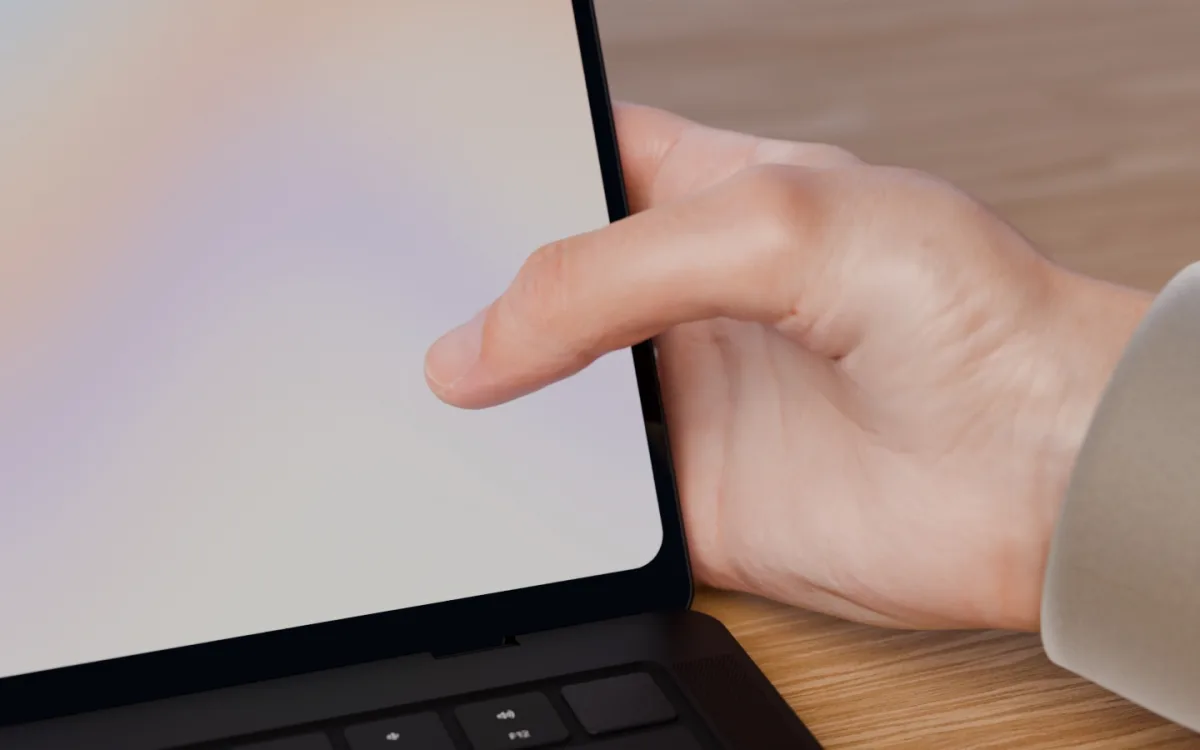
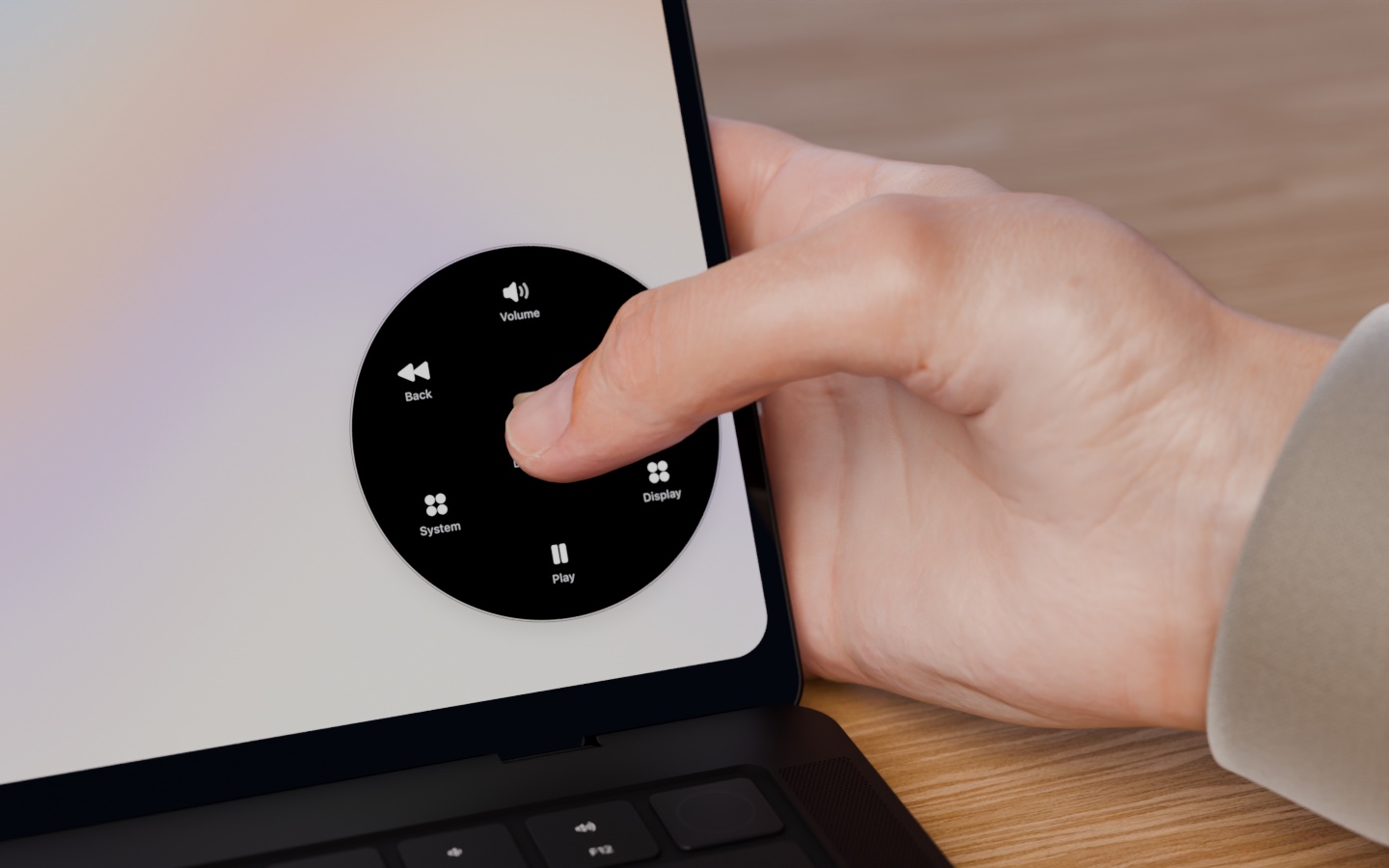
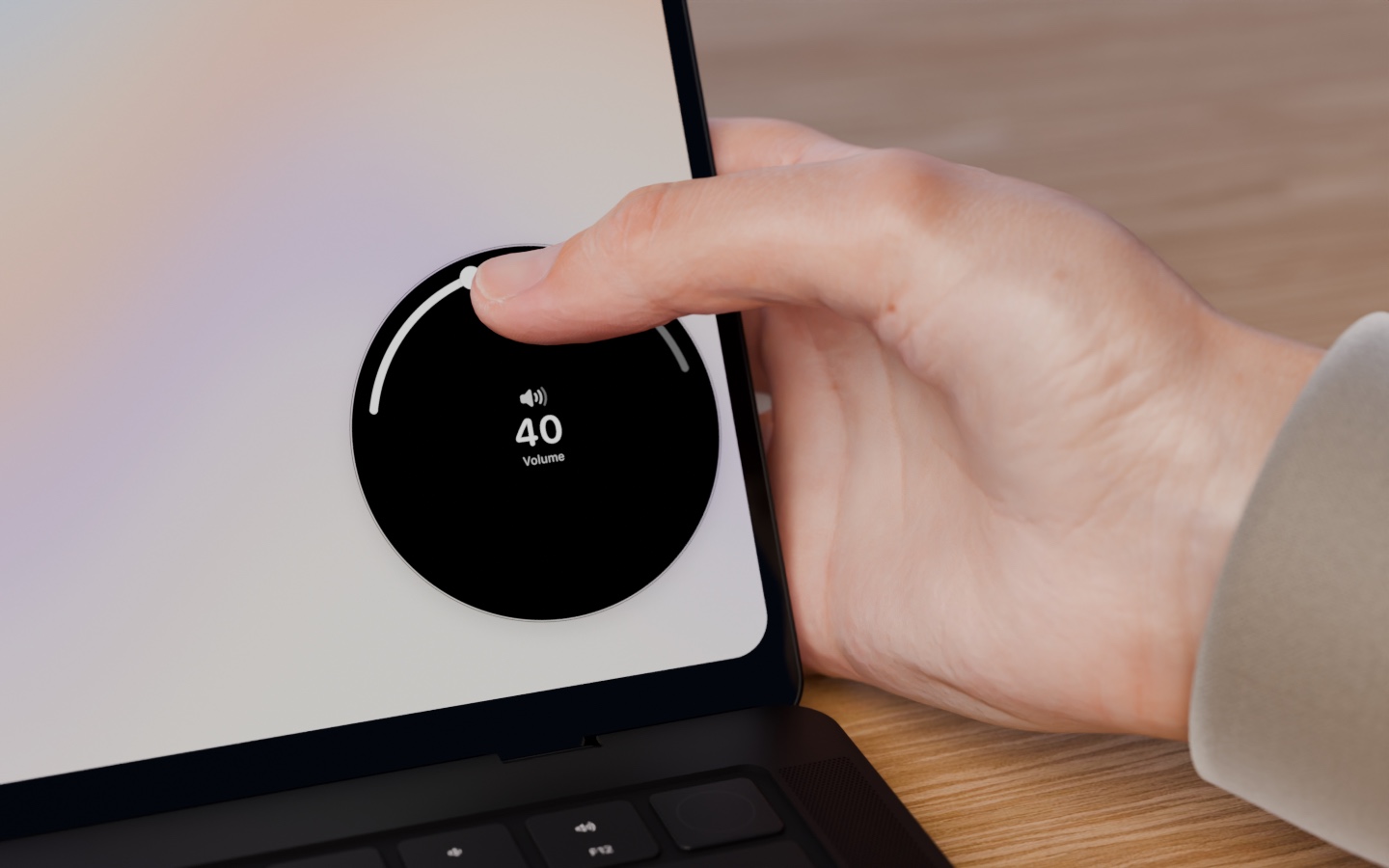
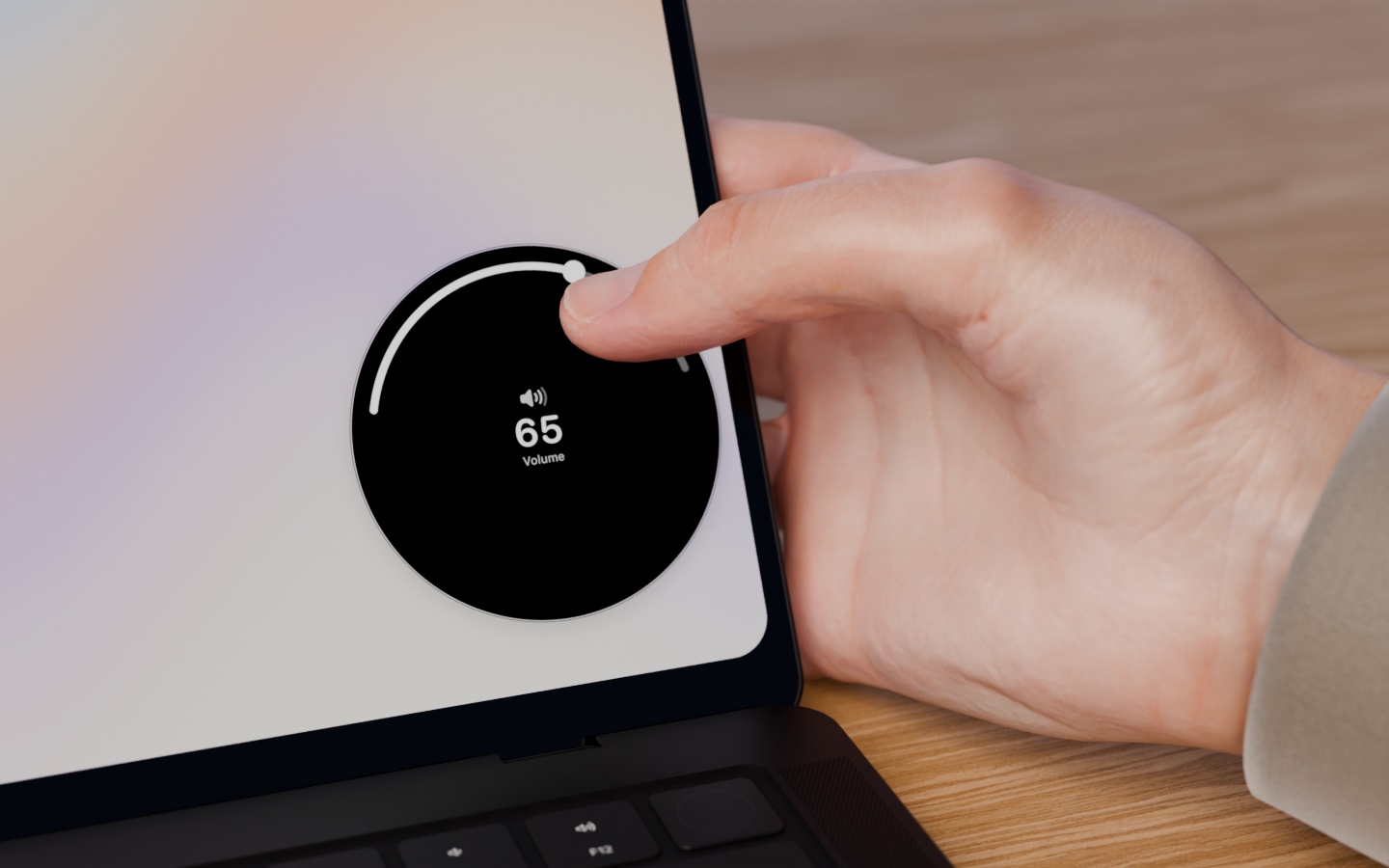
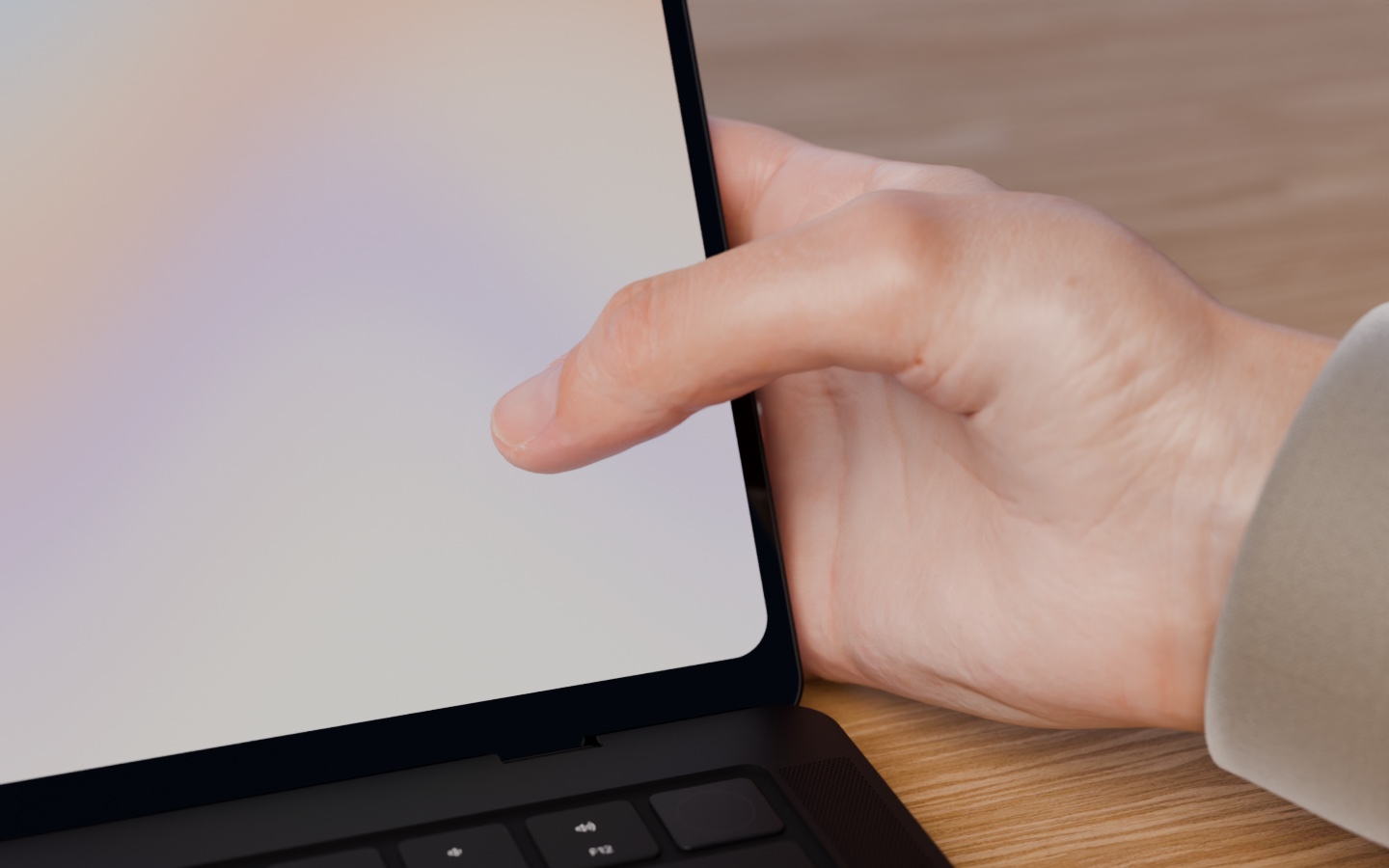
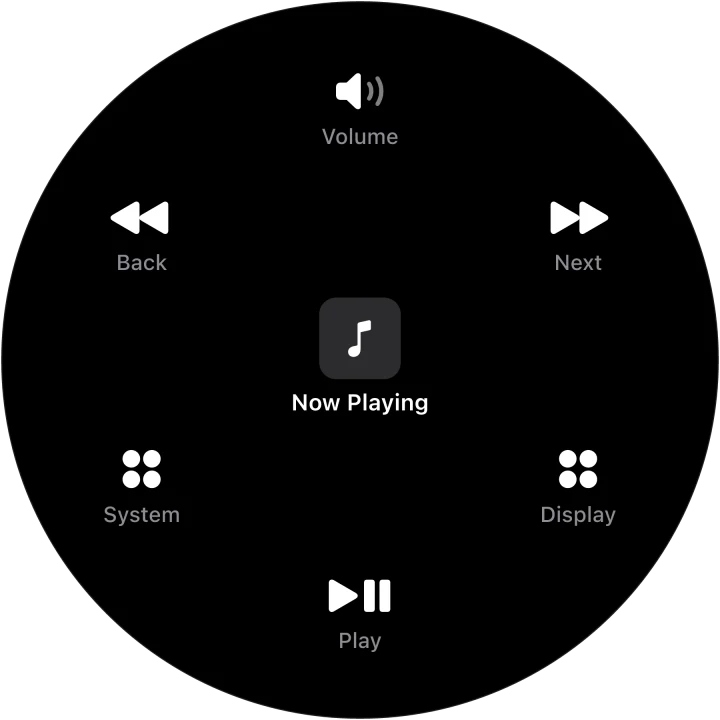
Radial is a dial for the Mac. Press in the bottom corner of a touchscreen MacBook and a ring of controls opens under your thumb: volume, brightness, music, apps, shortcuts. Slide to one and lift to use it. Each app can have its own dial, so Figma gets its tools and Safari its tabs. On a Mac without a touchscreen, holding a key opens it under the pointer.

Logo.
Please keep it as it is: black on light, white on dark, with no new colours, outlines or effects.








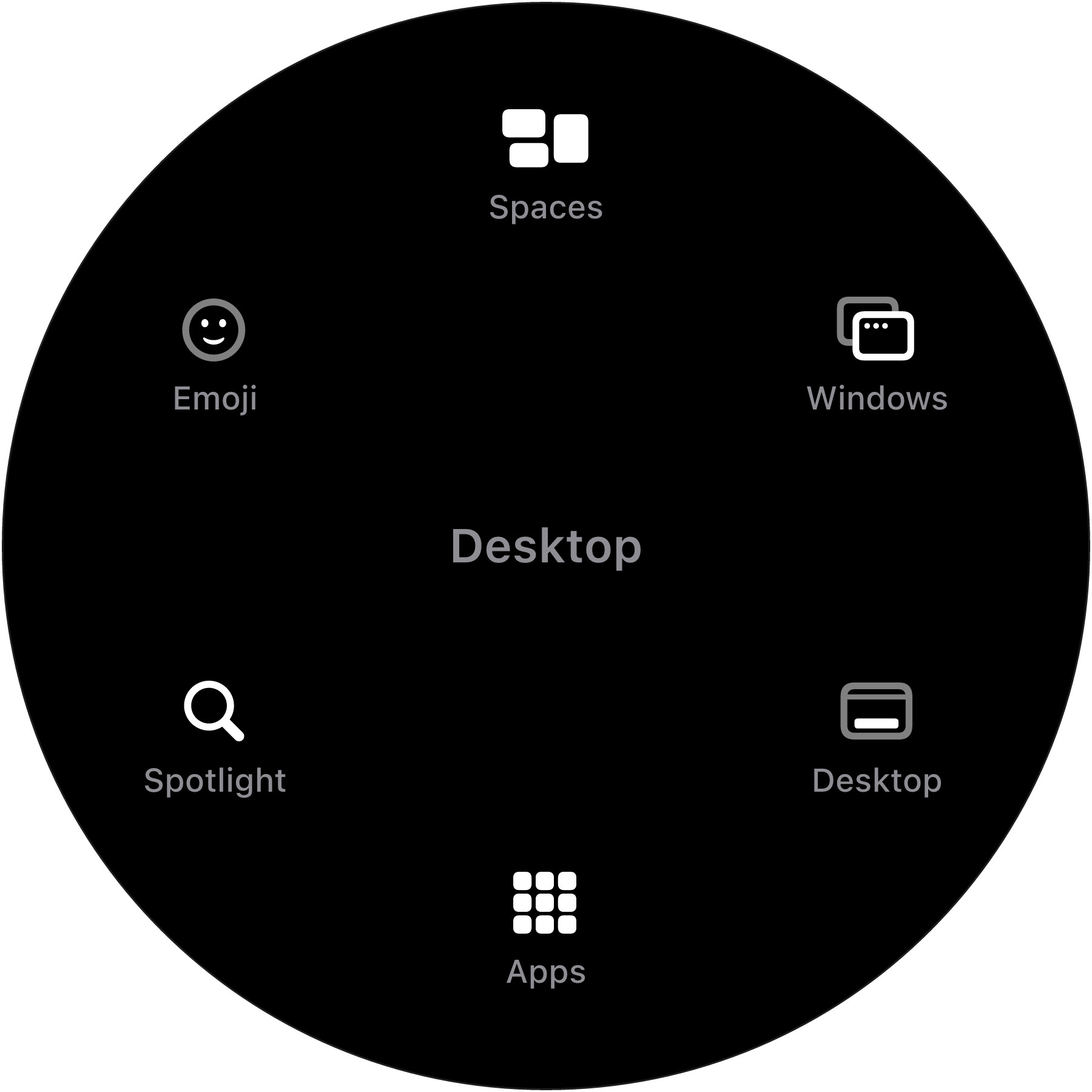
Dials.
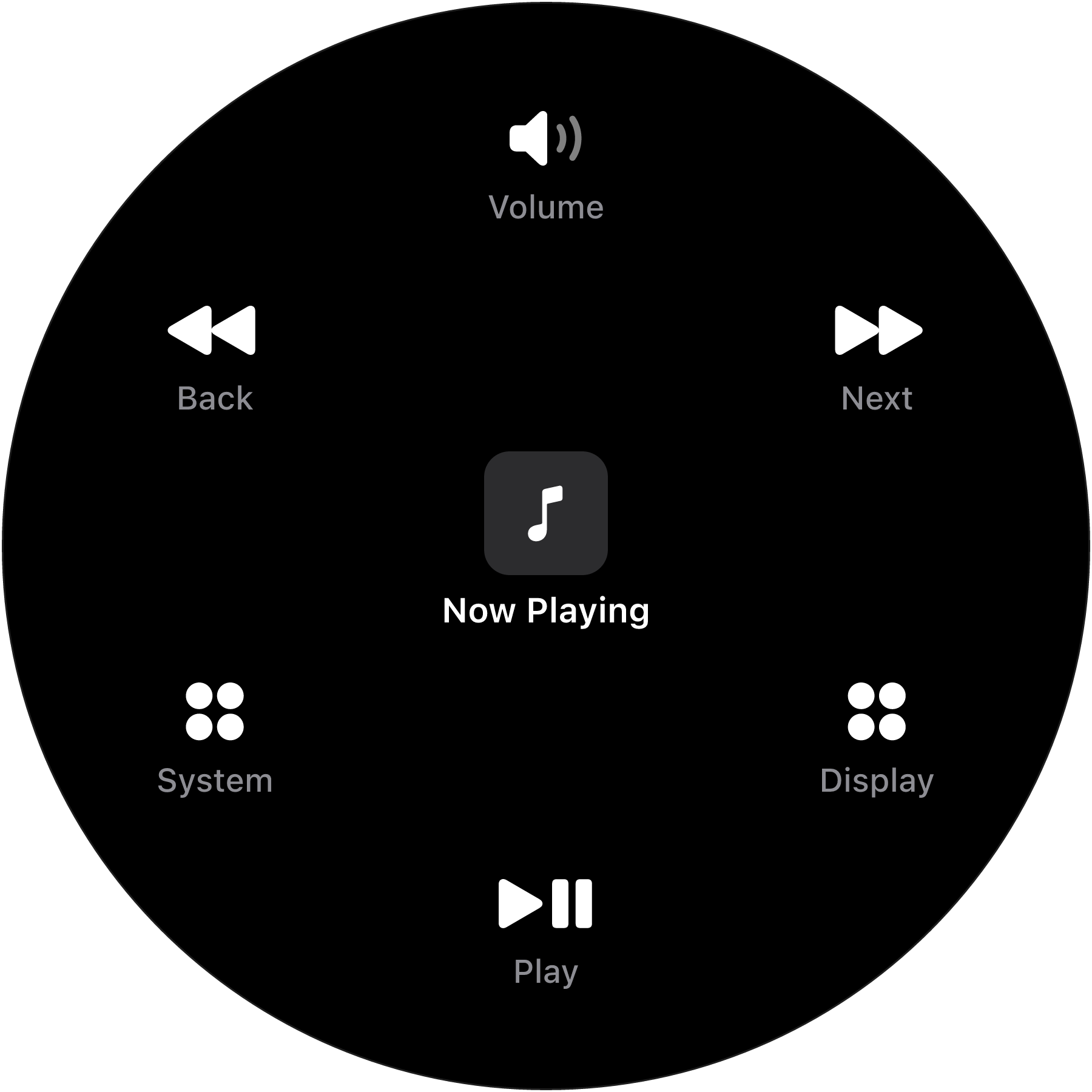
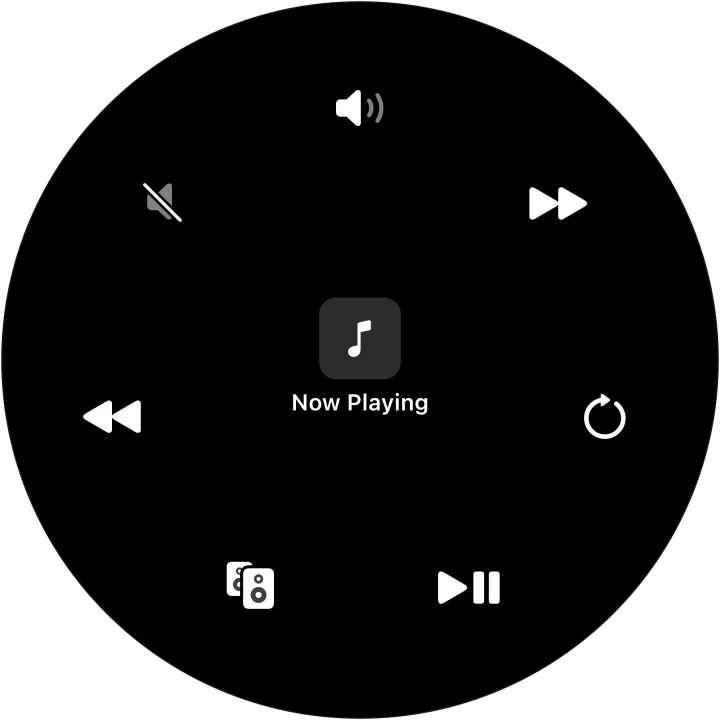
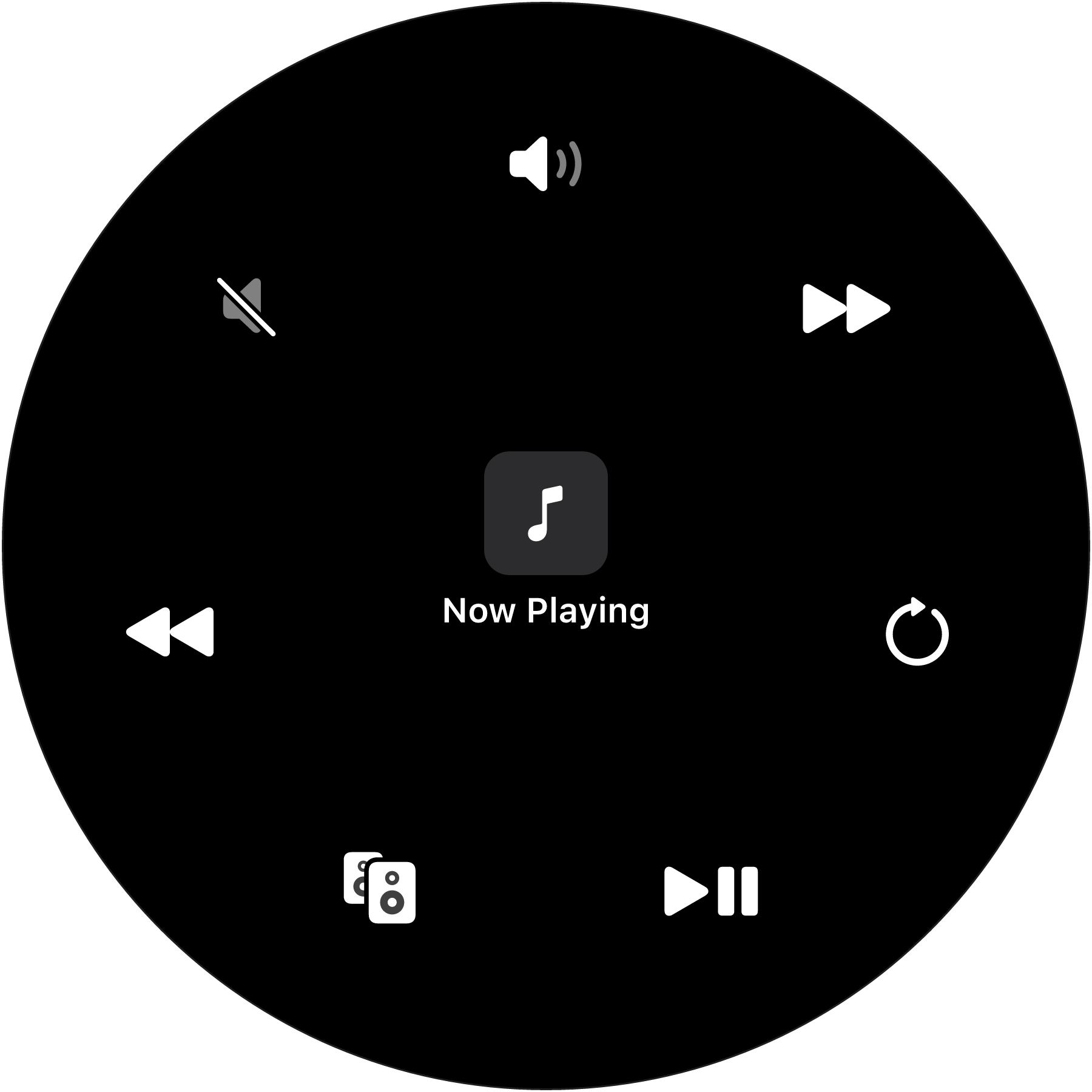
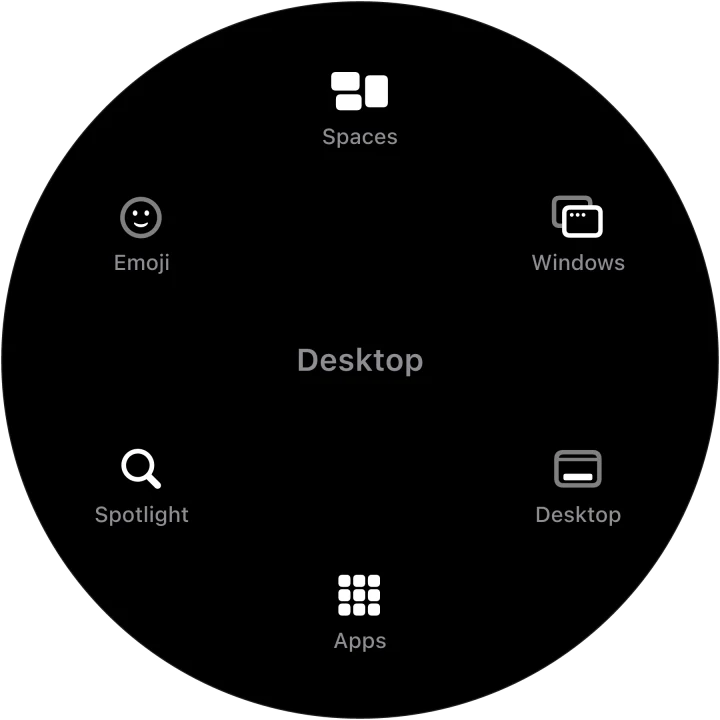
Three of the dials Radial comes with, as the app draws them, on a transparent background.
Writing about Radial?
For an interview, a review license or anything else, email hi@heyradial.com, or message @RienkKoenders.